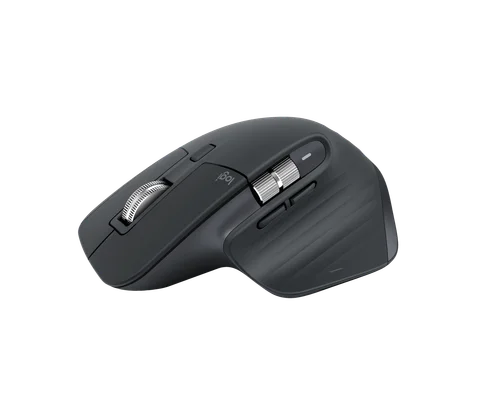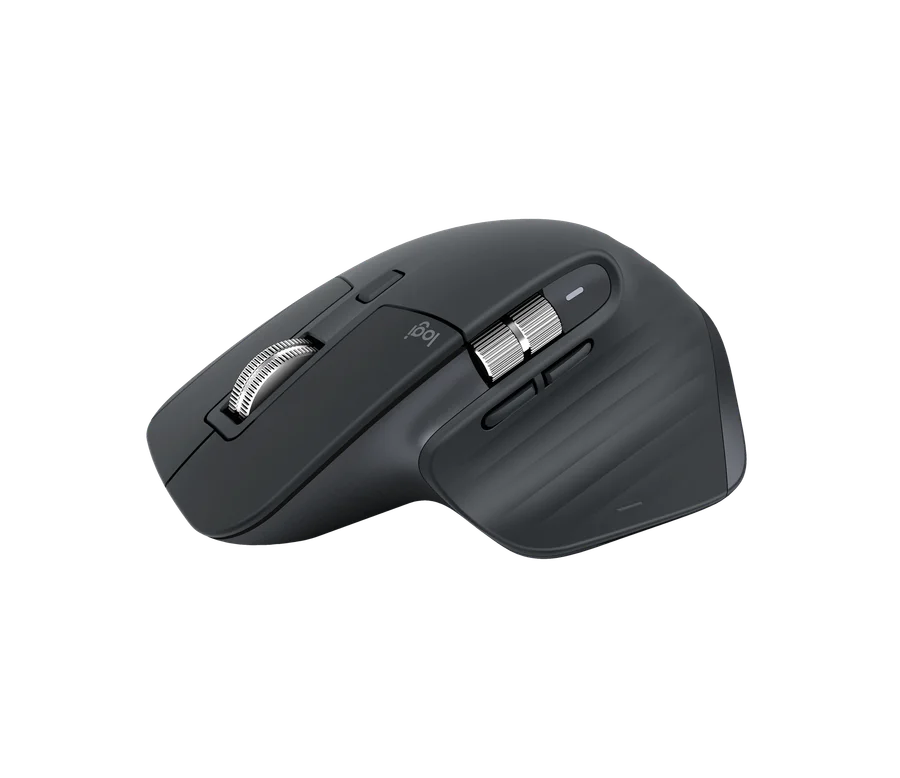
Keep your MX Master 3S if its scrolling, clicks, and configured buttons already do what you need. Consider MX Master 4 if you want its haptic controls or Actions Ring and your setup supports those features. For a first purchase, compare the current price difference with features you will configure and use.
The MX Master 3S in our collection is an office mouse, and the upgrade should be judged as an office tool. A higher model number is not itself a reason to replace a working one.
What changes in daily work?
| Decision | MX Master 3S | MX Master 4 |
|---|---|---|
| Main control idea | Scroll wheels and configurable buttons | Adds a haptic panel and Actions Ring access |
| Haptic feedback | No Master 4 haptic system | Feedback for supported actions |
| Shortcut setup | Existing button customization | Adds the configurable Actions Ring overlay |
| Software question | Check current Options+ support | Check Options+, plugins, and native OS support |
| Upgrade reason | Keep familiar working controls | Add specific supported interactions |
Logitech’s MX Master 4 documentation describes the added controls. Its haptic guide explains which actions produce feedback and how to configure it.
Actions Ring has value when shortcuts are planned
Actions Ring places configured actions around the cursor. Before buying for it, write down five commands you repeatedly use. If those commands are already easy to reach from the keyboard or existing mouse buttons, an extra interface may add little.
If your work repeatedly sends the cursor to menus, a configurable ring may offer a useful alternative. The gain depends on your assignments and habits. Logitech’s published time-saving claims describe particular study tasks, not a guaranteed improvement in every job.
Allocate time to set it up. Buying a configurable tool and leaving every setting at its default can turn the headline feature into a button you rarely press.
Haptics depend on the software path
Logitech says Actions Ring requires Logi Options+. Its current product page also describes native Windows 11 haptic support in compatible situations. Treat these as different paths: native operating-system behavior does not mean every plugin or custom shortcut works without Options+.
If you use a managed work laptop, check whether the required software and permissions are allowed. If you use Linux or an unsupported application, verify the actual available features rather than assuming a mouse connecting successfully unlocks every advertised function.
Haptic feedback may be useful if you want a physical cue for an action. It is not automatically useful if it interrupts you or if your software never generates the relevant cues. Check which plugins support it before making that the reason for an upgrade.
Existing owner versus first-time buyer
For a 3S owner, identify a problem before comparing deals. Are your frequently used commands awkward to reach? Is the coating worn? Is a control unreliable? Software customization may solve a shortcut problem without new hardware, while wear or failure changes the replacement decision.
For a first-time buyer, a favorable price on 3S can be sensible if you mainly want its established control layout. Master 4 deserves the extra spend when its added interactions fit your actual applications. Compare the exact regional model and included receiver rather than assuming every Mac, business, and standard package is identical.
Frequently asked questions
Do I need Options+ for Actions Ring?
Yes, according to Logitech’s current guide. Check platform support and installation permissions before buying for that feature.
Is MX Master 4 better for gaming?
This guide does not provide latency or gaming benchmarks. If competitive gaming is the priority, compare that workload separately rather than using office shortcut features as evidence.
Should I upgrade the keyboard at the same time?
Only if it solves another problem. Our Keychron K2 vs K2 Pro guide applies the same upgrade-by-need approach.