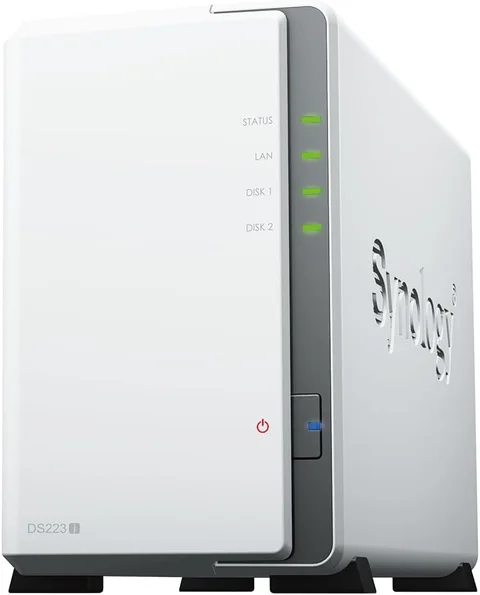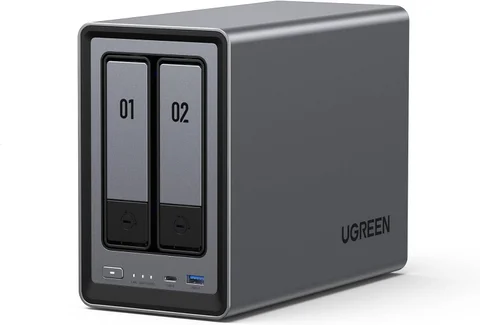










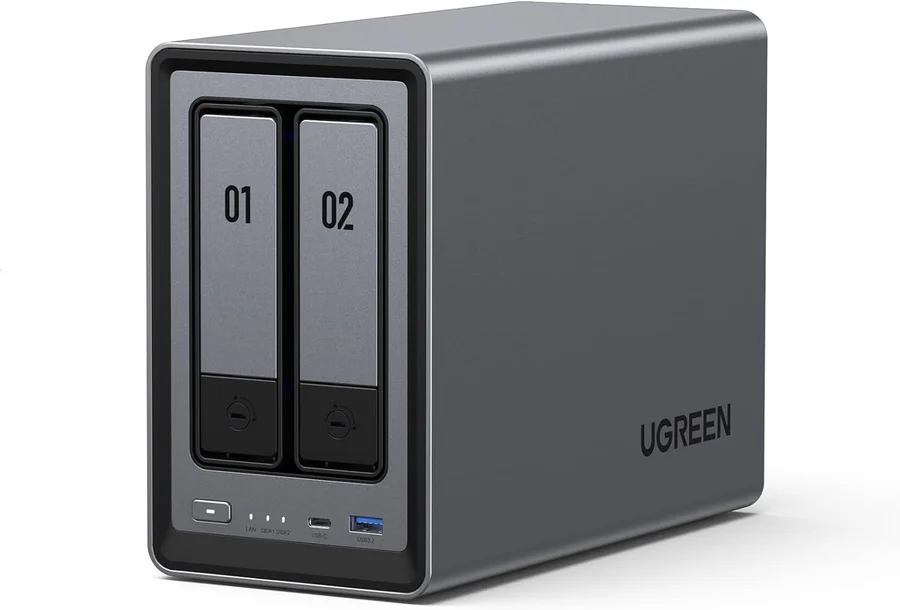
Choose Synology DS223j if you want a straightforward home for backups, shared folders, and a photo library, run by mature, well-documented software. Choose UGREEN NASync DXP2800 if you also plan to run containers, virtual machines, or a media server that needs processing headroom. Neither is better in general; the right one fits the jobs you will actually give it.
This guide compares the diskless white DS223j with the standard diskless DXP2800. Synology’s DS223 without the “j” and UGREEN’s DXP2800 GT are different machines, so confirm the exact model before reusing these specifications.
Decide the job first
| Decision | DS223j | DXP2800 |
|---|---|---|
| Processor | Realtek RTD1619B, four cores | Intel N100, four cores |
| Memory | 1 GB DDR4 | 8 GB DDR5, expandable to 16 GB |
| Network | 1 × Gigabit Ethernet | 1 × 2.5GbE |
| Bays | 2 × SATA | 2 × SATA plus 2 × M.2 NVMe |
| Software and containers | DSM with Synology’s own apps | UGOS Pro with Docker and virtual machines |
| Best purchase reason | Simple backups and photos | Home server headroom |
The DS223j figures come from Synology’s specification page; the DXP2800 figures come from UGREEN’s product page.
Backing up computers and phones, sharing documents, and organizing photos are modest workloads, and Synology’s DS223j page highlights Synology Photos, Synology Drive, Hyper Backup, and Snapshot Replication for exactly those tasks. Always-on services, media servers, and virtual machines are where the DXP2800’s extra processor and memory matter.
Both are diskless, so budget for drives
Neither enclosure includes storage, and two matching drives in a mirror give you the usable capacity of one, so price the drives alongside the enclosure. The DXP2800’s M.2 slots are also empty; buy NVMe SSDs only if you have a specific use for them.
Synology links a supported-drive list from the DS223j specification page, and its drive policy has changed across recent DSM releases, so read Synology’s current compatibility FAQ for your model. UGREEN publishes a compatibility list that it describes as verifying basic hardware interoperability, and its drive guidance advises against SMR drives and against mixing old and new drives in one array.
A mirror is not a backup
Both units support RAID 1, and Synology’s SHR gives two drives the same one-drive redundancy. A mirror keeps the NAS running when one drive fails, but it copies an accidental deletion or ransomware encryption to both drives at once, and it does nothing about theft or fire.
Synology’s backup guidance recommends the 3-2-1 approach: three copies, on two kinds of storage, with one kept off-site. Snapshots help you roll back mistakes, but they live on the same drives, so keep an independent copy on an external drive or a remote destination.
2.5GbE only helps on a 2.5GbE path
The DXP2800’s 2.5GbE port outpaces the DS223j’s Gigabit port only when the switch and the computer on the other end also support 2.5GbE. Gigabit-only equipment leaves the extra capacity unused. For overnight backups, network speed is unlikely to decide anything; it matters more if you regularly copy large video projects from a wired desktop.
Containers and transcoding need headroom
The DS223j’s 1 GB of memory and modest processor suit basic storage, and Synology’s specification page does not list hardware video transcoding. The DXP2800 uses an N100, which Intel lists with Quick Sync Video, and UGREEN supports Docker and virtual machines on UGOS Pro. That headroom comes with maintenance, since containers need updates and backups of their own.
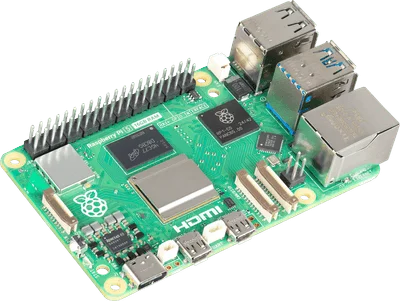
Avoid paying for virtualization you will not use. If the server job is one or two small services, a Raspberry Pi 5 beside a simple storage box may be enough; Raspberry Pi 5 vs Mini PC covers that choice.
Frequently asked questions
Which drives should I buy?
Check the compatibility list for your exact model, prefer drives intended for NAS use, and buy matching capacities for a mirror.
Can either run Plex or Jellyfin transcoding?
The DXP2800’s processor supports Intel Quick Sync, which media servers can use when the software supports it. Plan around direct playback on the DS223j, since Synology does not list hardware transcoding for it.
Can a NAS replace cloud storage?
It can hold your primary copy, but it is still one location. Keep an off-site copy, and set up remote access carefully.