














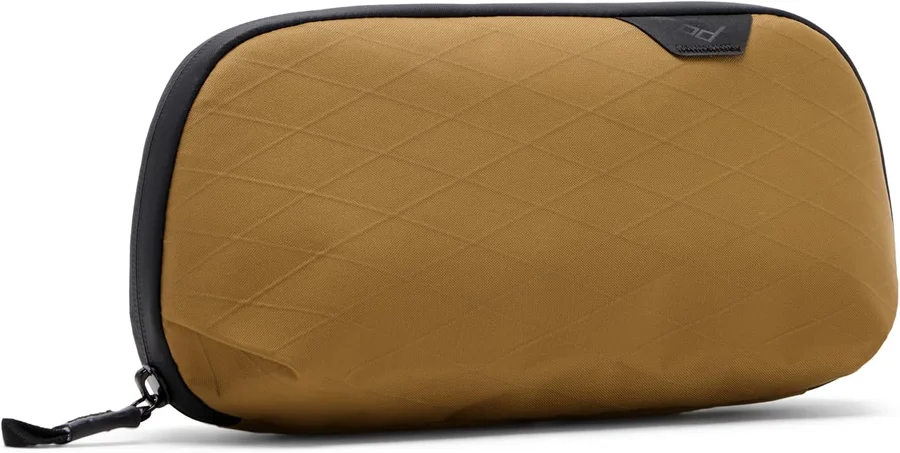
A small tech pouch earns its space when it makes the equipment you repeatedly use easier to find and move between bags. Start with a normal day away from home. Pack the things that make that day work, then choose an organizer that closes comfortably around them.
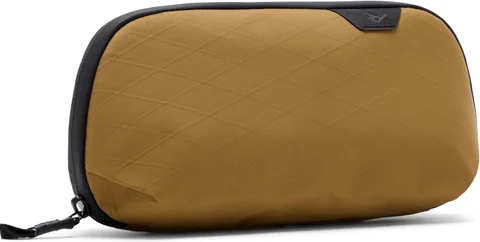
The Peak Design Small Tech Pouch is our collection’s compact example. Peak Design describes it as a smaller version of the original, intended for cords, cards, batteries, and chargers. The relevant test is still your particular kit: an organizer’s pockets cannot make a bulky adapter smaller.
Make a list of devices first
Write down what leaves home with you: perhaps a phone, laptop, and earbuds. Next to each, note how long it must run and where you can charge it. That tells you which charger and cables have jobs to do.
Avoid starting with every accessory you own. A card reader belongs in the daily pouch if importing photographs is part of your day. A display adapter belongs there if you regularly connect to a screen. Keep equipment for occasional tasks in a separate place until the task is on the calendar.
Give each item a reason
| Item to consider | The reason to carry it | The question before packing |
|---|---|---|
| Charger | Power devices during your day | Does its output meet their requirements? |
| Charging cable | Connect the device to that charger | Does this exact cable support the needed power? |
| Data cable or adapter | Transfer files or connect a peripheral | Have you tested the complete connection? |
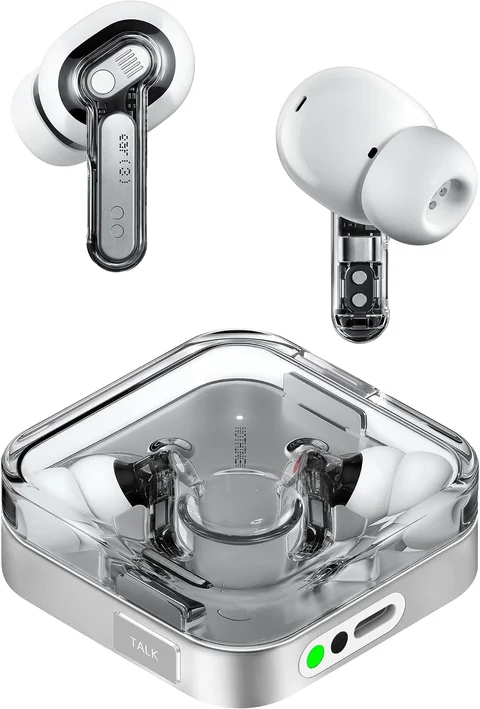
| Earbuds | Calls or listening | Will their case last for the time away? |
| Power bank | Charge where sockets are unavailable | Does the extra weight solve a recurring problem? |
These are roles, not a mandatory shopping list. One item may cover several devices, while some devices need dedicated accessories. Check the manufacturer’s requirements before removing a cable that only appears redundant.
Test the connections, then pack
A matching connector is only part of compatibility. If you need a cable for charging and file transfer, test both jobs. If you need a display adapter, try it with the computer and display you intend to use.
Charging several devices from one adapter also needs a complete check. Available output can change as ports are occupied. Our desktop charger comparison explains why port allocation matters; a high headline wattage alone does not describe every connected device’s supply.
Use the cables you already own if they work. There is no benefit to replacing a reliable cable simply to make everything match inside the pouch.
Pack in the order you reach for things
Keep the item you use most where you can retrieve it without emptying the organizer. Coil cables loosely enough that they are easy to put back, and use a simple tie if it helps. Put tiny adapters in a repeatable location so a quick glance can reveal a missing one.
Close the pouch without forcing the zipper, then place it in your normal bag. Check whether it displaces something more useful. If the contents barely fit, remove an occasional item or consider another size rather than treating every empty pocket as an invitation to add something.
Review it after a week
Notice what you reached for, what you lacked, and what never moved. That evidence is a better guide than an imagined emergency. For travel, make a separate check for destination sockets and the rules applying to any batteries you carry; a commuting kit is not automatically a flight kit.
The finished pouch should make leaving home simpler. If a charger and one cable already sit neatly in your bag, you may not need another object at all. Browse the Carry collection when organization has a clear job to do.