












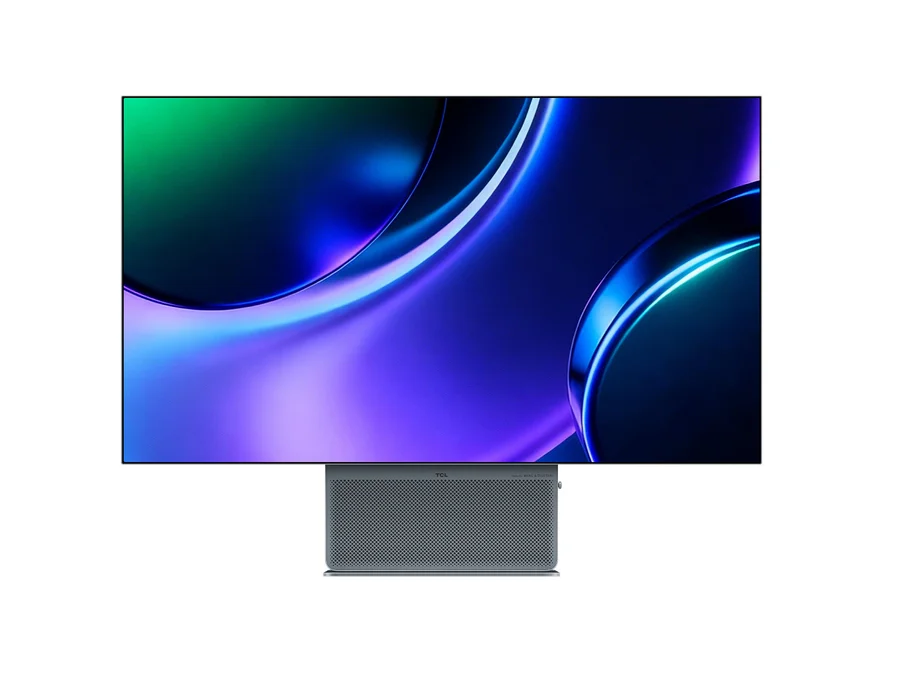
An OLED monitor can make photographs, video, and games look remarkable, but a work display faces a different test: long hours of the same toolbars, sidebars, and documents. Consider what fills your screen on an ordinary day before deciding whether OLED’s strengths outweigh the care it needs.
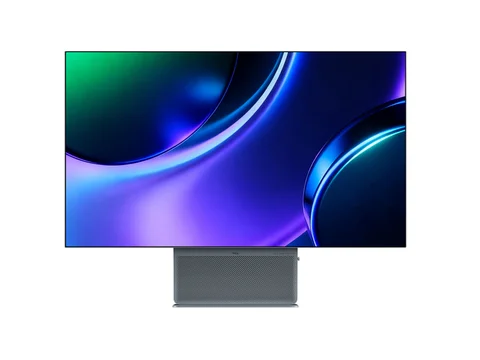
The TCL 32X3A is our collection’s example: a 31.5-inch 4K OLED with a dual 4K and Full HD refresh mode and a USB-C input. The points below apply to OLED desk monitors generally, with TCL’s documentation used where it covers the 32X3A.
What OLED does well
Each OLED pixel produces its own light, which TCL describes as independent, pixel-level control. Dark areas can switch off rather than glow through a backlight, which helps HDR video and photo editing in dim rooms. TCL lists a 0.03 ms grey-to-grey response time, DisplayHDR True Black 400 certification, and 1,300 nits of peak brightness for the 32X3A.
A peak figure is not the brightness of a full-screen white document. If you work in a bright room, look for reviews of sustained full-screen brightness.
Static work is the burn-in question
OLED panels can be prone to burn-in, where long-lasting static elements leave a faint, persistent image. A taskbar, dock, code editor sidebar, or spreadsheet grid that stays put for eight hours is the pattern to think about.
TCL lists burn-in protection for the 32X3A and says the monitor will request a “pixel refresh” after prolonged use, which takes a few minutes and ends with an automatic restart. Let that routine run, use display sleep, and consider auto-hiding the dock or taskbar. TCL’s EU product information sheet lists a minimum two-year warranty, but the product page does not say whether burn-in is covered. Check TCL’s warranty terms for your country, Spain or the US, before buying.
Check these before buying
| Concern | What to check | Who it matters for |
|---|---|---|
| Burn-in | Panel care features and warranty terms for burn-in | Long days with static toolbars |
| Text fringing | Subpixel layout and close-up text photos in reviews | Writing, coding, spreadsheets |
| Reflections | Screen finish and your room’s lighting | Desks facing windows or lamps |
| Scaling | Pixel density and your operating system’s options | macOS users |
| Refresh modes | Whether you will use more than 60 Hz | Gamers and fast-motion work |
| USB-C power | Charging wattage versus your laptop’s adapter | Single-cable laptop setups |
Text clarity, finish, and scaling
Some OLED panels arrange their red, green, and blue subpixels differently from a conventional stripe, and text rendering designed for that stripe can show coloured fringes on fine lettering. TCL’s product page does not document the 32X3A’s subpixel layout, so this guide does not establish how its text looks. If you read and write all day, look for reviews with close-up photographs of small text.
TCL describes the screen as anti-reflective. Our product page lists a matte finish, which diffuses reflections rather than mirroring a window behind you; see one in person if you can.
At 3840 × 2160 on 31.5 inches, the 32X3A works out to about 140 pixels per inch. On a Mac, rendering at double density gives a workspace the size of 1920 × 1080, which some people find large. Apple’s display resolution guide explains how to trade larger text for more space, and notes that a scaled resolution may affect performance.
Refresh rate and one cable
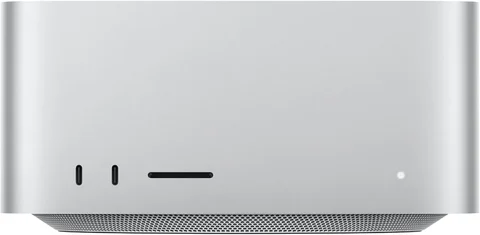
The 4K 240 Hz and Full HD 480 Hz modes are gaming features. Office work does not need them, so do not pay for that capability unless you will use it. A desktop such as the Mac Studio M5 Max does not need USB-C charging at all; check its display support for the refresh rate you want instead.
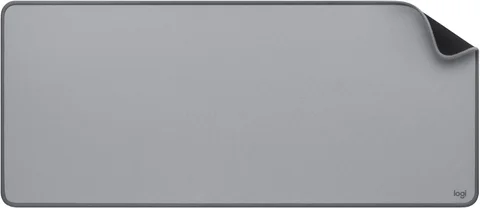
For a laptop, the single USB-C cable is the practical attraction. TCL’s user manual lists the USB-C input at a maximum of 90 W. Compare that with your laptop’s own adapter; a machine that ships with a larger one may charge more slowly under load. A desk mat for the keyboard and mouse completes a tidy one-cable desk.
If your day is mostly static spreadsheets or an IDE at 60 Hz, a good IPS display may serve you better and ask for less care. Browse the Workspace collection with that routine in mind.