Choose Nintendo Switch 2 if the Nintendo games you want are the reason for buying a handheld. Choose Steam Deck OLED if you want a portable way to play compatible PC games, especially games already in your Steam library. Make a game list before comparing display or processor specifications.
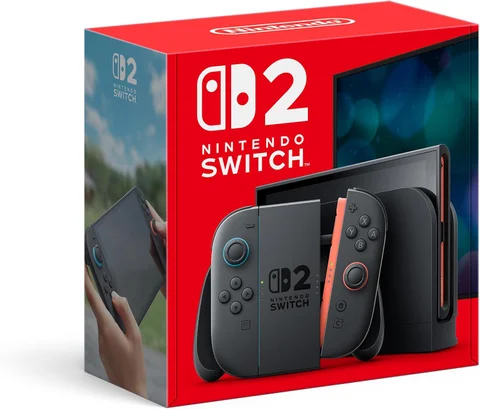
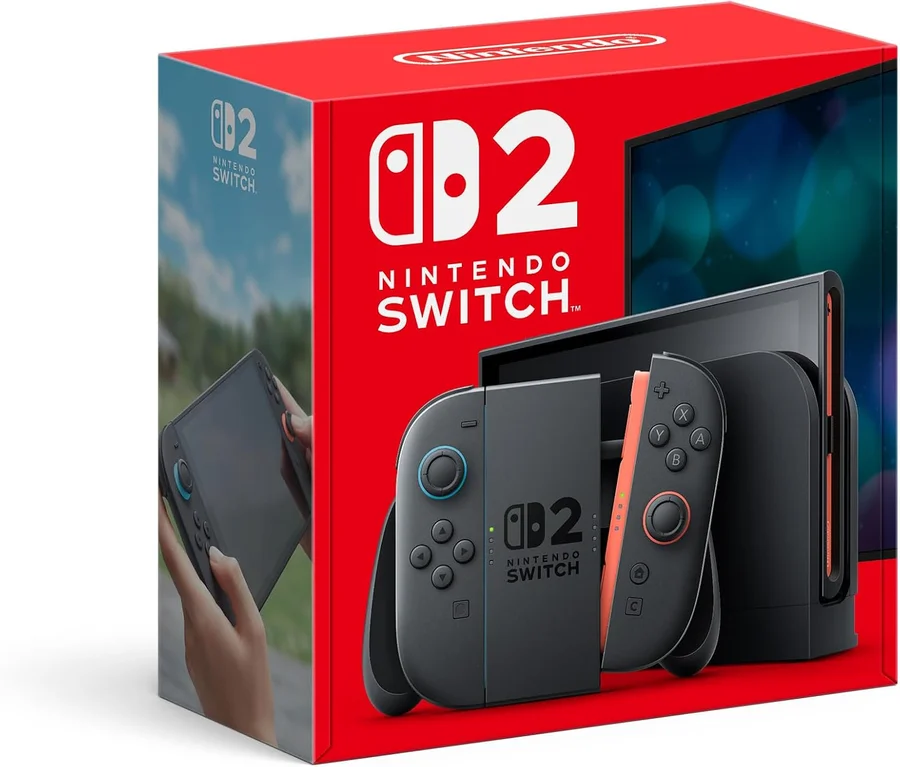
The Switch 2 in our collection is Nintendo’s hybrid console. This comparison uses the OLED Steam Deck, not the earlier LCD model; screen and battery figures should not be mixed between them.
The differences at a glance
| Decision | Nintendo Switch 2 | Steam Deck OLED |
|---|---|---|
| Main game ecosystem | Nintendo Switch 2 and supported Switch games | Compatible PC games through SteamOS and supported routes |
| Handheld display | 7.9-inch 1080p LCD | 7.4-inch 1280 × 800 OLED |
| Display refresh capability | Up to 120 Hz with VRR | Up to 90 Hz |
| Living-room setup | Nintendo dock and detachable controllers | Check dock, display connection, and controllers |
| First compatibility check | Exact game and console support | Exact game’s Deck compatibility |
Nintendo’s specifications and Valve’s OLED specifications describe the hardware. Display refresh capability is not a guarantee that every game runs at that frame rate.
Your library is the most important specification
List five games you want to play now, not a theoretical library of thousands. Check their availability, compatibility, and current price on each system. If your central reason is a Nintendo-exclusive title, a PC handheld is not an interchangeable substitute. If you already own suitable PC games, purchasing them again elsewhere changes the budget.
For Deck, use Valve’s Verified system and inspect the details for each game. Verified, Playable, Unsupported, and Unknown describe different states; a listing existing on Steam does not establish that it works well on Deck.
Also check online services, launchers, and required connectivity for the specific games. Offline play and multiplayer compatibility cannot be inferred from a handheld being portable. Game support can change, so revisit it before purchasing for one particular title.
Screen preference is separate from game performance
Switch 2 offers a higher native handheld resolution, while Deck OLED offers an OLED display. Which looks better for your games depends on the content, settings, and your preferences. This guide has no shared display measurement or game-frame-rate test.
Do not compare a manufacturer’s maximum refresh rate with another system’s typical game frame rate. To evaluate a demanding game, look for evidence from that game on the exact device and settings. A simpler game may make a different use of the same screen.
Battery comparisons also need matched workloads. A light indie game and a demanding 3D game are not equivalent tests, and manufacturer ranges should not be treated as a head-to-head endurance result.
Think about television play and ownership cost
If living-room play is frequent, inspect the included and additional equipment. Nintendo’s dock and controller arrangement is part of its design; a Deck setup may require a dock or hub and separate controls suited to your plan.
Add the console, required storage, accessories, subscriptions relevant to your games, and the games themselves. Check regional support and warranty terms, particularly when considering an imported or used unit. Confirm the exact console bundle and current price with the retailer.
Steam Deck’s broader computer-style flexibility can be a benefit if you want to configure it. It can also be extra work if you only want to start a game. Choose the maintenance and setup experience you are prepared to own.
Frequently asked questions
Can Steam Deck play every Steam game?
No. Check the exact title’s compatibility and any required services. Availability in the store is not the same as support on Deck.
Does a 120 Hz screen mean every Switch 2 game runs at 120 fps?
No. Game support, settings, and workload determine the actual frame rate.
Which is cheaper over time?
Calculate your own game list and accessory requirements using current prices. Existing purchases can change the answer more than the hardware price alone.
Browse the Lifestyle collection.