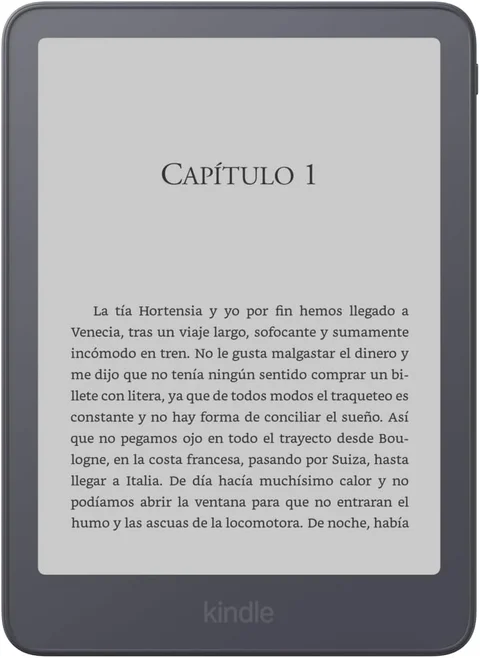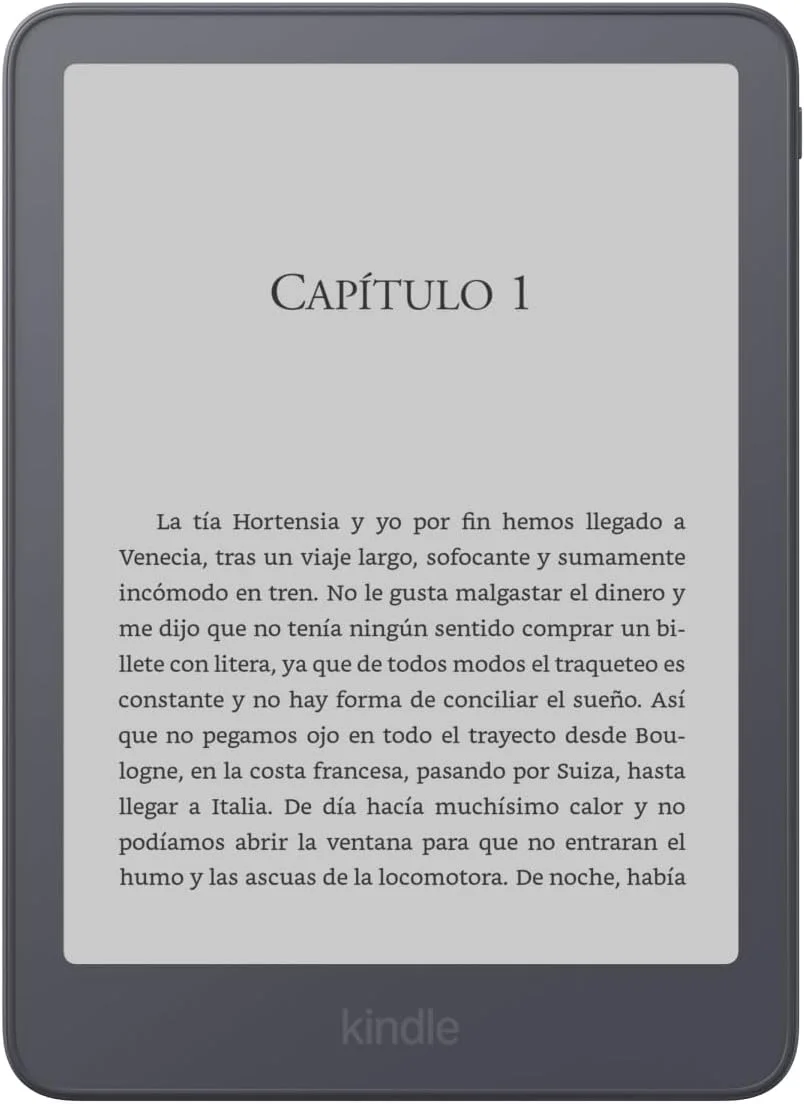
Choose a dedicated e-reader if most of your reading is reflowable text and you want a device organized around books. Choose a tablet if you need reading apps, color-rich material, large documents, or other computing tasks. If a tablet already works for you, identify the reading problem before buying another device.
The Kindle Paperwhite is an example of the dedicated-reader role, not a stand-in for every e-reader. Color readers, large note-taking readers, and monochrome readers have different strengths.
Let the material decide
| Reading task | Dedicated e-reader | Tablet |
|---|---|---|
| Reflowable novels | A focused fit for book reading | Works through compatible reading apps |
| Color comics and illustrated books | Requires an appropriate color model | Consider display size, color, and app support |
| Large PDFs | Check page size, zoom, and navigation | A larger screen and suitable app may help |
| Library access | Supported services and transfers vary | Can use the library’s supported app if compatible |
| Other daily tasks | Limited and model-specific | Depends on operating system and installed apps |
Amazon’s current lineup separates Paperwhite from Colorsoft. Kobo’s comparison chart also shows that screen size and color vary within the e-reader category. Do not generalize one model’s specifications to the whole class.
Novels and textbooks ask different things
For a novel, increasing the font size can reflow the text. For a fixed-layout textbook, changing the zoom may require moving around a page. The screen that feels ideal for one can be awkward for the other.
Take a representative document to a demonstration device if possible. Try a page with footnotes, diagrams, a two-column layout, or the type of comic you actually read. Turn pages, enlarge details, and return to the contents. Those tasks reveal more than comparing screen diagonals alone.
If reading involves switching between a document, a browser, and a notes application, a tablet may suit the whole task better. If it is an hour with a novel, those extra capabilities may be unnecessary.
A focused device can help, but habits still matter
An e-reader gives you a smaller set of activities to choose from. That can be useful when your tablet session tends to drift into messages or video. It does not guarantee attention, and a tablet can also be configured with fewer notifications and a reading-focused routine.
Try that simpler adjustment before buying. If notifications are the main problem, disabling them may be enough. If carrying size, outdoor readability, or long book-only sessions remain the problem, evaluate a dedicated reader against those requirements.
Comfort is personal. This guide does not make medical claims about eyesight or establish that one display technology is universally healthier. Compare brightness settings, text size, lighting, and your own reading experience.
Apps and book access can settle the choice
Check the services you need before selecting hardware. A tablet may run the specific library or subscription app you already use. A reader may use a supported store or transfer route instead. Kobo’s library documentation illustrates why country and service compatibility need separate checks.
If you want a dedicated reader, Paperwhite vs Clara BW explores that ecosystem decision. If you want a tablet, choose the operating system and applications first, then compare suitable models. “Tablet” is too broad a category for one battery or performance claim.
Frequently asked questions
Is an e-reader better for PDFs?
Not automatically. Test a representative document on the exact screen and software, especially when pages cannot reflow.
Do all e-readers show color?
No. Paperwhite and Clara BW are monochrome examples; other product lines provide color. Choose for the material you read.
Is buying an e-reader worthwhile if I own a tablet?
Yes if it solves a clear reading problem. Otherwise, try the tablet’s reading settings and supported apps before adding another device.
Explore the Books collection.