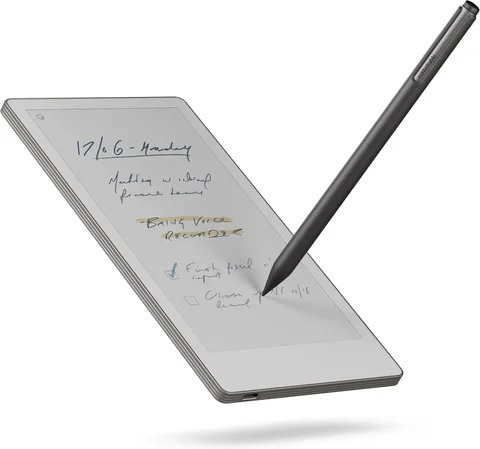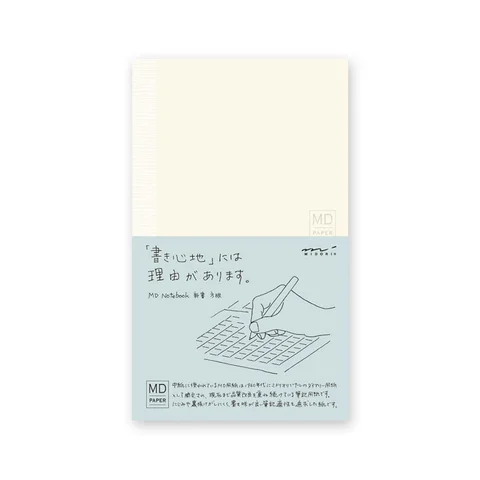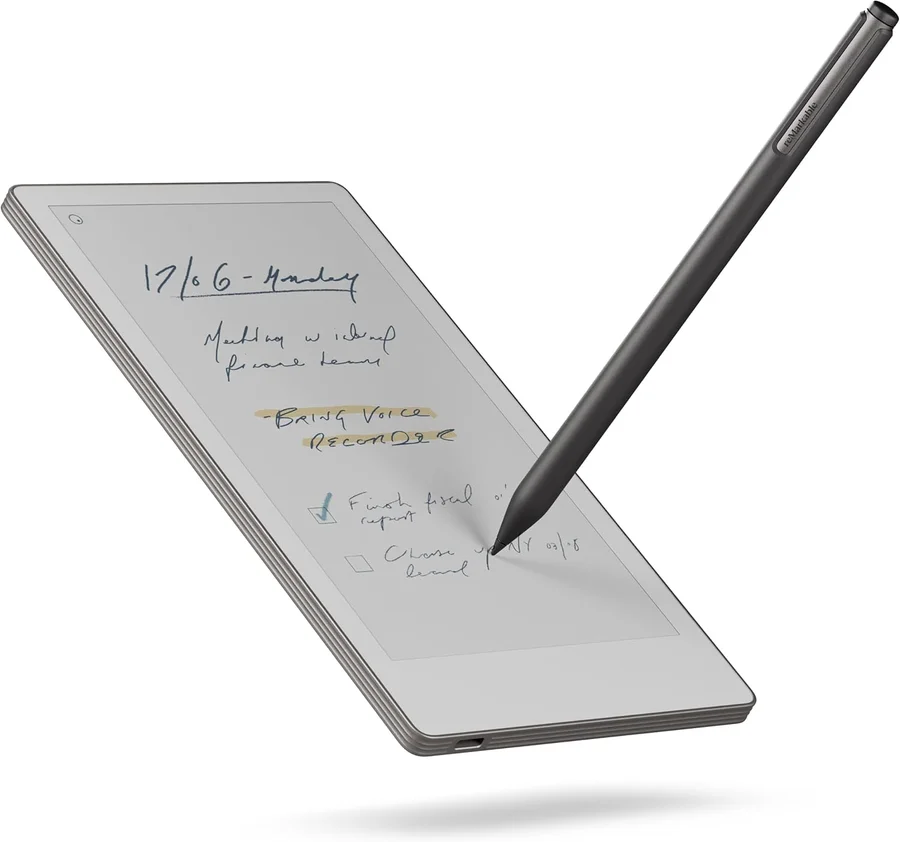
Keep a paper notebook if writing and revisiting a physical book already works for you. Consider reMarkable if you regularly need to organize digital notebooks, annotate files, or move handwritten work into another place. A digital notebook is worth investigating when it solves a recurring step after writing.
The examples here are the Midori MD Shinsho grid notebook and reMarkable Paper Pro Move with Marker Plus. This is a comparison of those roles, not every paper size or every reMarkable model.
Follow a note through its whole life
| What you do next | Paper notebook | Paper Pro Move |
|---|---|---|
| Read yesterday’s page | Turn back in the physical book | Navigate your digital notebook |
| Share a sketch | Photograph or scan it | Export through a supported workflow |
| Annotate a supplied PDF | Print it or use another device | Import a supported document |
| Find an old idea | Use dates, tabs, or a handwritten index | Consider naming, folders, and available search |
| Start writing away from power | No charging requirement | Keep the tablet charged and pen available |
Midori documents thread binding that opens flat and a 5 mm grid option. reMarkable’s specification lists a 7.3-inch color display, reading light, PDF and EPUB import, and PDF, SVG, and PNG export. Those are capabilities to test against your own documents, not a guarantee that every page will be comfortable to use.
Search only helps if it fits your notes
If you repeatedly lose an idea across several filled notebooks, digital organization has a plausible job to do. Before buying, try a simpler paper habit: date pages, give projects clear headings, and reserve an index. That may be enough for a small archive.
If searchable handwriting is the reason for choosing reMarkable, include the ongoing service in the decision. Its handwriting-search documentation currently requires Connect and supported software. Do not assume every feature comes permanently with the hardware.
Test names, unusual terminology, and the handwriting you actually produce. Also test an export and reopen it elsewhere. Finding a page on the tablet and preserving a usable copy outside it are separate tasks.
Page size is part of the choice
A compact notebook is easy to take along, but a narrow page changes how you sketch. A compact tablet similarly offers portability without turning a dense document into a large sheet of paper.
Try a meeting page with a diagram, a two-column PDF, and a document with small footnotes. Decide whether zooming and navigation are comfortable. If your main use is full-page document review, compare larger formats before committing to the Move.
Paper also lets you put two open books beside each other without changing a screen. Digital lets you keep many notebooks on one device. Neither arrangement is automatically better for how you think.
Buy the routine you will maintain
For paper, budget for a writing tool, replacement notebooks, and somewhere to keep finished volumes. For digital, check the exact pen bundle, protective cover, replacement tips, charging, and any subscription features you intend to use. The selected pack includes Marker Plus; a folio is separate.
You may reasonably use both: paper for private rough work and a tablet for document annotation, for example. Establish that division before paying for a second place to leave unfinished notes.
Frequently asked questions
Will reMarkable make me more organized?
It offers tools for organization, but you still need a filing and review habit. Test that workflow rather than expecting hardware to create it.
Is Paper Pro Move a replacement for an ordinary tablet?
Choose it for its supported writing and reading tasks. If you need general apps and other computing work, compare that requirement separately; our e-reader versus tablet guide explores the broader distinction.